Compartmental model
NEST Simulator is actually a simulation tool of point-neurons but it also provides a model cm_default which is a neurons with compartments. Here, the guide shows the steps to create a simple neuron with compartments.
Step by step guide
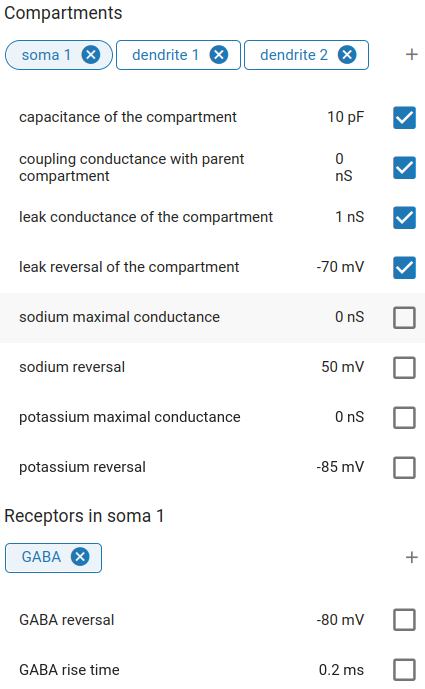
First import cm_default from GitHub and create a node with cm_default. Then open node selection popup, add
compartments ( ) and select compartment parameters to modify. Add receptors () in each compartment and select
receptor parameters to modify.
) and select compartment parameters to modify. Add receptors () in each compartment and select
receptor parameters to modify.
Click on the chips (soma 1, dendrite 1, …) of a compartment to see its content.
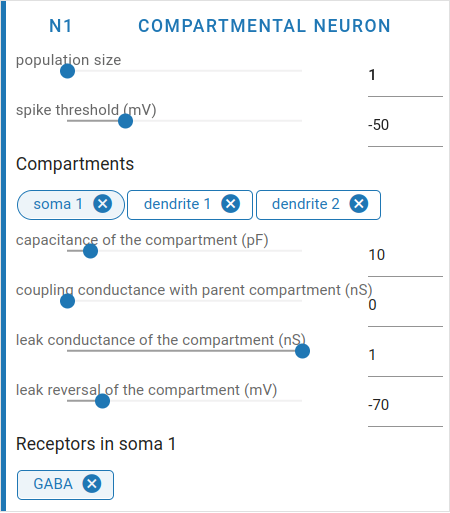
You can modify the values in each compartment and and its receptors.
Note
Use multimeter to record events from various compartments.