If you want to construct a network, you will have to open the network editor. The network editor shows the network graph composed of nodes (shapes) and connections (lines).


In order to create a new node, you can click with the right mouse button in the network editor and a circular panel with three letters appears to select an element type. A node is divided into three element types: stimulator (S), recording (R) device and neuron (N). Click on one element type, a menu of models in corresponding element type appears. Then, selecting a model creates a node of the selected model.
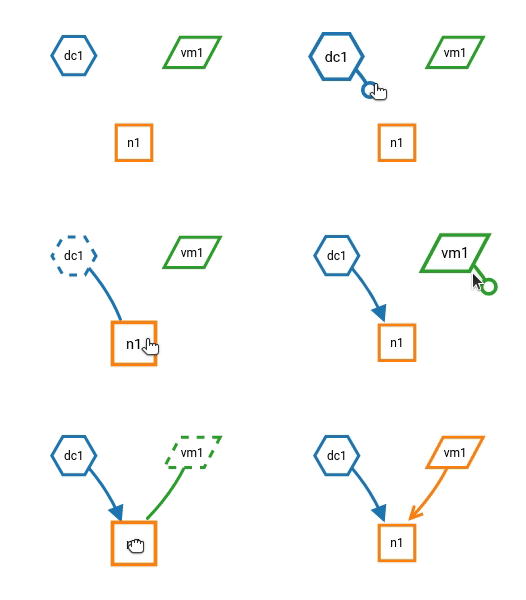
Forming a network of nodes is defined by making connections between and within nodes. In order to connect nodes, you can click on a connector of a node, then move the mouse towards anther node and finally click on a target node. It creates a connection between source and target nodes.
Hint
By pressing the hotkey Alt and clicking a node at the same time, you enable the connecting mode or continue connecting other nodes.
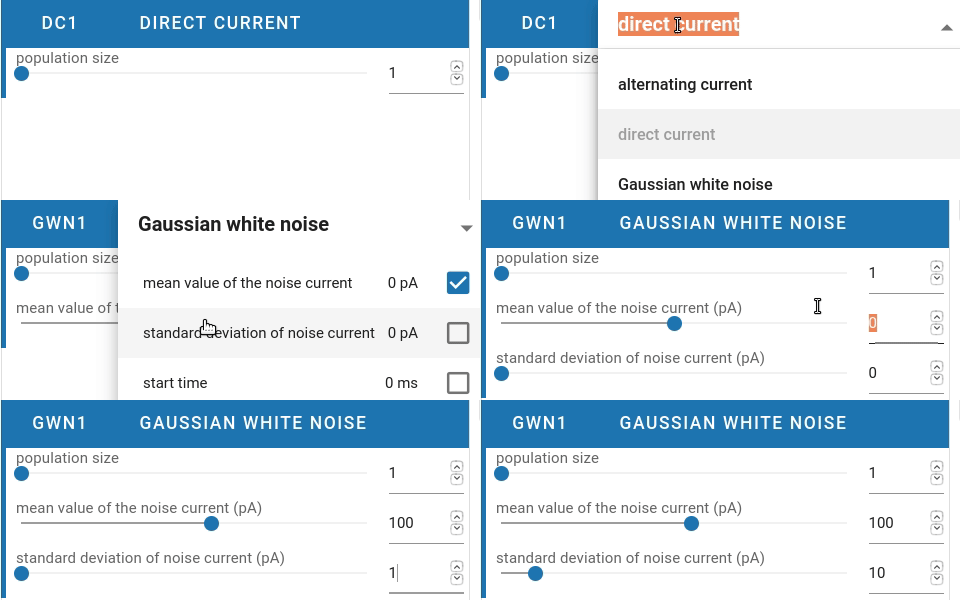
You are able to select the model of a node in the network controller. Then it shows a list of parameters which you might want to work on. Finally, you are able to change the values of visible parameters.