User guide
The user guide provides detailed documentation of the GUI of NEST Desktop.
Note
If you want to see a quick start guide for in NEST Desktop, we have prepared a Video tutorial showing the First steps.
How to use NEST Desktop
Learn how to install NEST Desktop and backends
Learn the basic steps how to use NEST Desktop
Advanced guide
Views
Allows users to construct networks and analyze activity
Contains different components to explore models
Graphs

Shows nodes and connections in the network editor

Activity can be displayed in a chart graph for spikes and analog signals

Animated activity graph for the spatial network of neurons with geographical positions
NEST features

The user learns how to copy a model

The user learns how to create own models with NESTML
External software
Note
Insite, NRP and ViSimpl has been removed in this version because it is not working with these external softwares anymore. We are working on reimplementing these software in next release.
If you like to see the documentation about these external softwares, please visit the older docs version (https://nest-desktop.readthedocs.io/en/3.3/user/index.html#external-software)
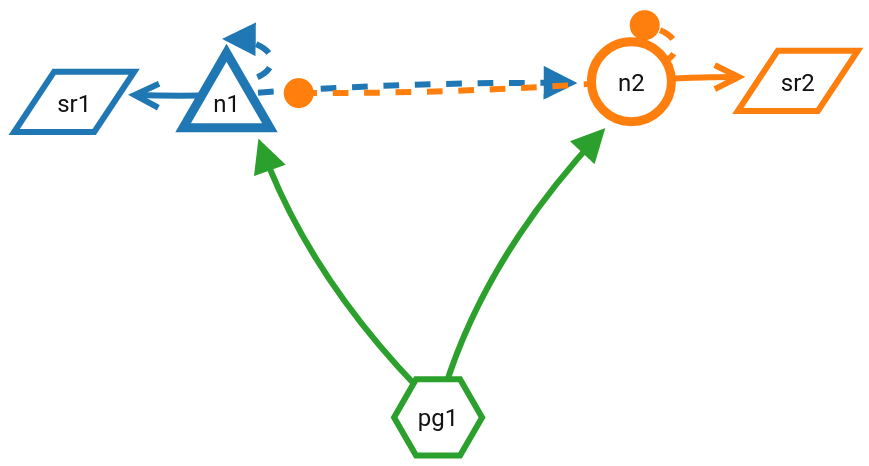
Create publication-ready network graphs